
Traffic Court Records in Marion County
Traffic tickets in Marion County do not go to one central place. Justice of the Peace Precinct 1 and Precinct 2 handle traffic and fine-only Class C cases. Each takes them from its own precinct. Jefferson Municipal Court takes city traffic, ordinance, and Class C matters inside Jefferson. Each issuing court keeps the case file. Charges above the fine-only level, such as a felony, are handled differently. Those move through a county or district court instead.
| Venue | Contact | Documented route |
|---|---|---|
| JP1 | 114 W Austin, Room 204; (903) 665-2392 | Email or counter; county page links payment |
| JP2 | 8249 SH 49; (903) 665-3581 | TrafficPayment or phone payment after confirmation |
| Jefferson Municipal Court | 106 N Alley; (903) 665-7159 | City-linked GovRec payment and police drop-off |
This venue split trips up a lot of people. They call the District Clerk about every ticket. Use the court printed on your citation instead. If that line is hard to read, tell a justice or municipal clerk the issuing agency and where the stop happened, and ask who holds the case.
Marion County Ticket Venue Map
The official Marion County justice-court page lists JP1 and JP2 at separate offices, each with its own contacts. The county's own page appears below.
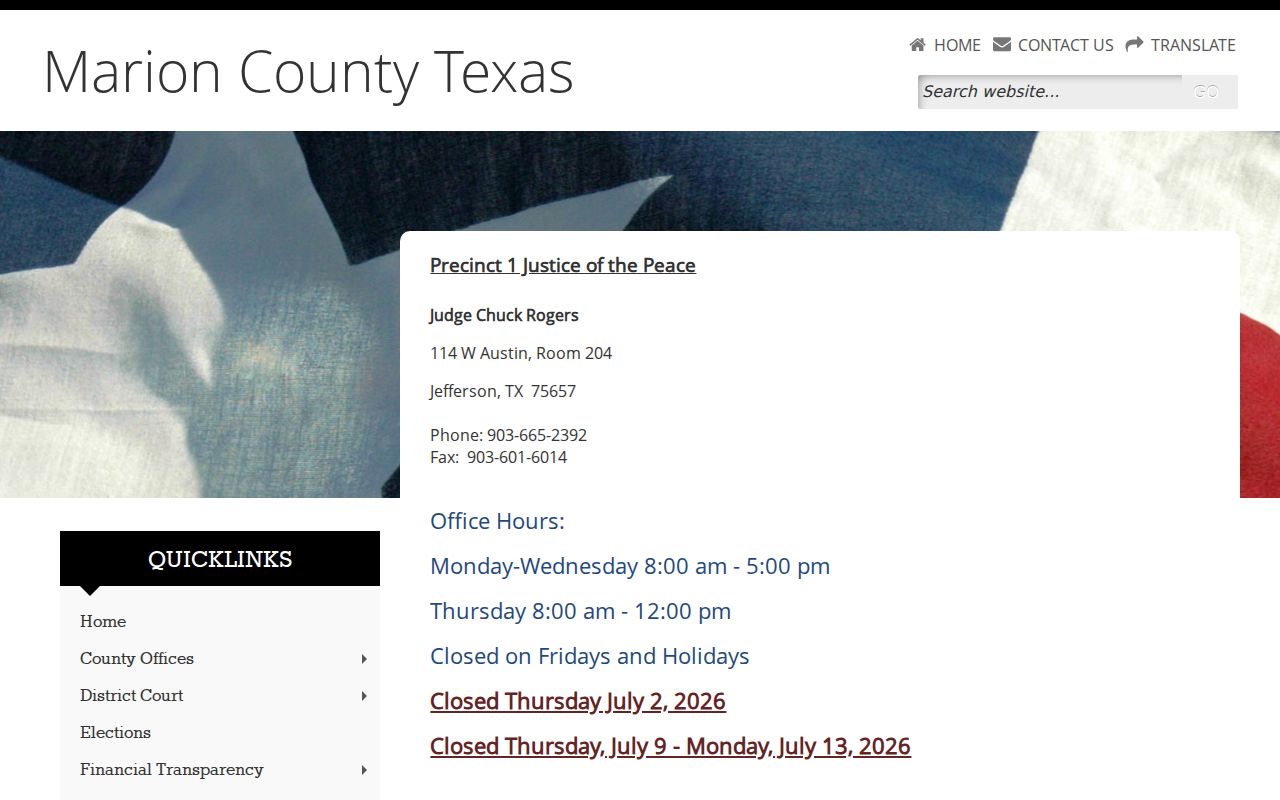
The precinct printed on the ticket decides where you go. JP1 opens Monday through Wednesday from 8 to 5 and Thursday from 8 to noon, then closes Friday and holidays. JP2 closes weekends and holidays. Check current hours before you drive over.
How to Look Up a Marion County Traffic Ticket
Neither Marion JP court nor Jefferson publishes an online citation docket form. So begin with the paper citation. Write down its number, the appearance date, the issuing agency, and the court named. Then call or visit that court. JP1 takes questions at jp1clerk@co.marion.tx.us, covering pleas, payment plans, deferrals, and driver's-safety-course issues. JP2 posts a phone number and a payment route. Jefferson Municipal Court handles its own city citations.
- Read the citation and identify JP1, JP2, or Jefferson Municipal Court.
- Use the citation or docket number when contacting court staff.
- Check the court's official payment link only after confirming the case and amount.
- Call or visit the counter if no online result appears.
- Ask for the next date, plea status, amount, disposition, and copy route.
The statewide Texas citation and public-notice search is a fallback tool, not proof that every local ticket appears there. You can search free text plus optional name, cause number, court or county, and status fields. If nothing comes back, return to the issuing court.
Marion County Citation Search Fields
The official statewide form shows the real fields available. A suffix wildcard like joh* works in the search. Results can include name, cause number, court or county, status, and an action link.
| Field | Required | Use |
|---|---|---|
| Enter text to search | Unspecified | Start with a few known words |
| Name | Optional | Party, respondent, estate, or property name |
| Cause Number | Optional | Use the number supplied by the case |
| Court/County | Optional | Narrow to court or Marion County |
| Status | Optional | Filter by text status |
The official search screen is shown below.
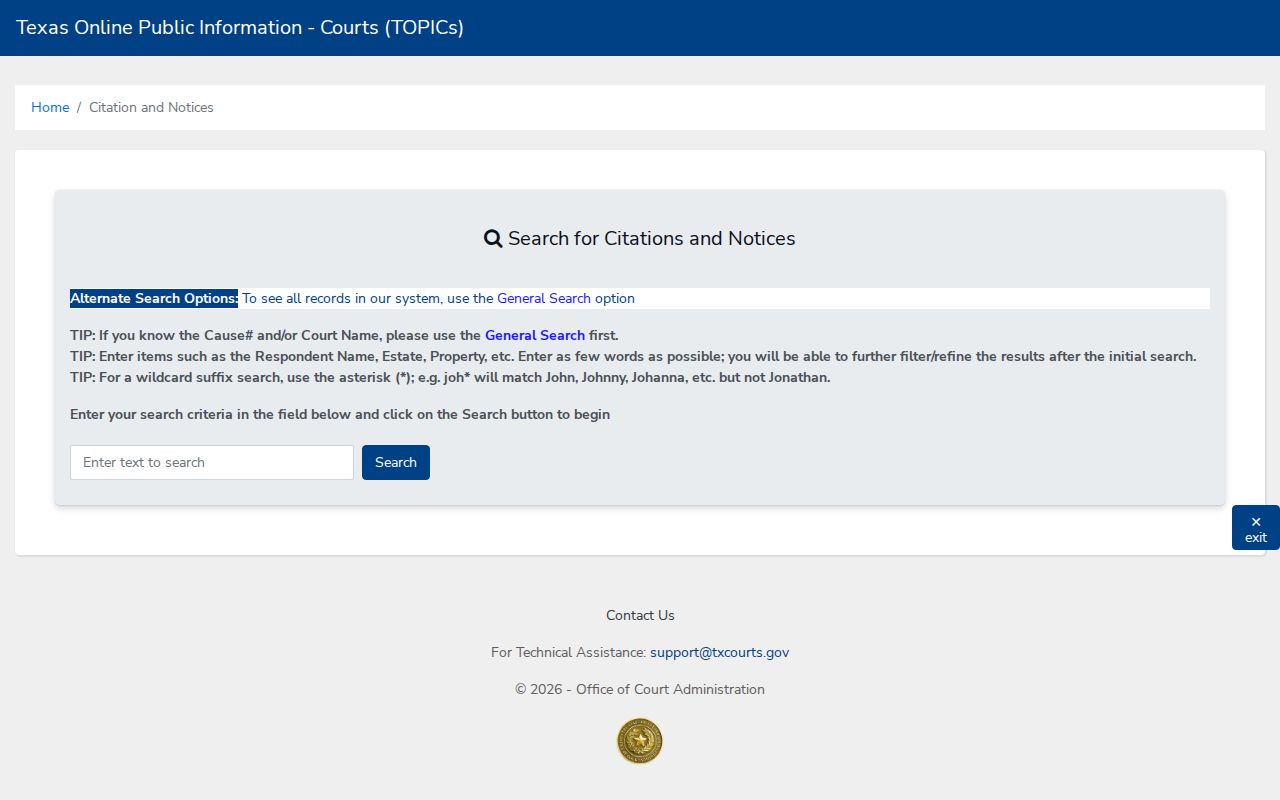
The screen confirms the statewide field list. It does not turn a public-notice result into the full JP or municipal traffic docket.
Finding Your Marion County Traffic Court Date
The appearance date printed on the citation comes first. The courts post no public daily Marion traffic calendar. Confirm the date with the issuing court before you show up. Ask what kind of setting it is: an appearance, plea, pretrial, trial, or compliance date. If staff mention a reset, get the new date and ask how notice was sent.
| Citation number | No Marion-specific format was published; use the exact printed number. |
|---|---|
| Court | JP1, JP2, or Jefferson Municipal Court as named. |
| Date and time | The appearance or later setting, confirmed by staff. |
| Location | The issuing court's current counter or courtroom. |
| Status | Pending, disposed, or another exact court label. |
Never assume a payment receipt changed a date or closed a case. Keep the confirmation, and ask the court how the action will appear in the record.
JP1 Marion County Contact Options
JP1 offers more ways to make contact than most ticket databases suggest. Its clerk email handles questions about pleas and deferrals. It also covers driver's safety courses, payment plans, and contact problems. The office sometimes closes. A person may then leave a name and phone number in the door drop slot. Treat that slot as a way to communicate. It is not a general county record drop box. The page also links a Youth Diversion Plan and forms effective January 2025. No full fine table, universal deadline, course eligibility rule, or deferral fee is published. Read the citation and ask JP1 for current terms before acting. A missing dollar figure is never permission to guess an amount.
Paying or Contesting a Marion County Ticket
Follow the response choices and appearance date on the citation. Paying and contesting are different acts. Before paying, ask whether payment enters a plea and how the disposition will be recorded. To fight the ticket, contact the named court. Ask how and when to enter the plea and get a setting. Marion sources support no single countywide deadline or fine schedule.
| Paying | Contesting |
|---|---|
| Confirm court, citation, amount, and accepted route | Contact the issuing court before the appearance date |
| Use only the official page's linked vendor or stated channel | Ask how to enter the plea and receive a setting |
| Keep the receipt and confirm the docket disposition | Keep written notice of the next court date |
Missed date or payment: Marion pages do not publish local failure-to-appear fees, warrant steps, or license-hold procedures. Contact the issuing court at once for the live status and lawful next step.
Marion County JP2 Payment Limits
JP2 says a credit-card payment requires the docket number and the fine. Its county page sends online users to TrafficPayment. It also gives 1-800-444-1187 for weekday payment from 8 to 5 Central. The vendor's site does not load cleanly, so plan on the phone. The JP2-linked payment target is what the link leads to.
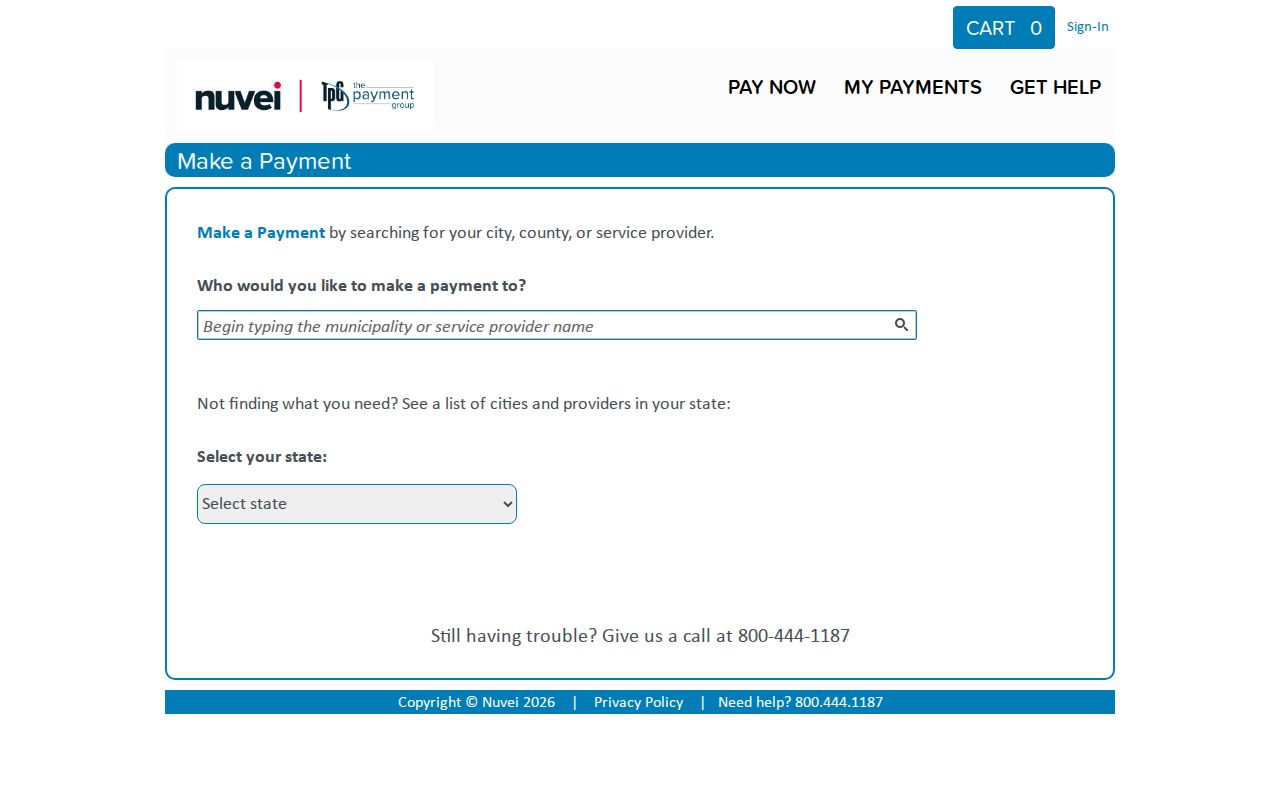
A vendor payment page is not a docket search. That is the practical lesson here. If the case, amount, plea path, or status is unclear, call JP2 with the citation's appearance date in hand.
Court Traffic Record vs Driver Record
Two offices keep two different files. JP1, JP2, or Jefferson Municipal Court holds the court case record for its own citation. The Texas Department of Public Safety holds the state driving record. A court record may list several items. Those include the citation number, charge, plea, settings, payments, fees, orders, and disposition. A DPS record shows licensing data and convictions that courts report. Ask each office for its own file.
| Court traffic record | State driver record | |
|---|---|---|
| Keeper | Issuing JP or municipal court | Texas DPS |
| Shows | Citation, plea, dates, orders, disposition | Licensing data reported under state process |
| Route | Court clerk, counter, or court channel | Current DPS driver-record process |
Don't treat these two files as the same thing. A Marion County traffic record from the court covers the case itself, its filings, and the court date, while the driver record kept by the licensing agency tracks points and license status. The official Marion material makes no mention of photo enforcement, so assume nothing there either way.
Marion County Traffic Fees and Copies
The JP and Jefferson Municipal Court pages post no traffic-docket copy fee. Ask the issuing court directly. You'll want the current plain-copy cost and the certification charge. Ask about accepted payment methods too. Ask whether a certified disposition is offered. Rates set by the General District or the County Clerk do not control this. A municipal or justice court may charge what it sets.
| Record source | Published baseline | Caution |
|---|---|---|
| JP1, JP2, municipal traffic file | No local copy amount located | Ask issuing court |
| District Clerk | $1/page; $5 certification plus pages | Applies to district records |
| County Clerk posted schedule | $1/page; $5 certificate; $5 search | Stale header; verify live |
Never mail a payment on a guessed fine. Check the amount against the case first, and ask whether anything else must happen for the court record to show a final disposition.
Marion County Traffic Access Boundaries
Traffic case information is public court information. It stays subject to the governing rules. Some identifiers get redacted. A court order or another law can limit a record. Ask for an existing citation docket, disposition, order, or copy. A clerk won't build a custom report or interpret what an entry legally means.
Rule of Judicial Administration 12 and other court-record law control judicial record access. That is the real framework, not a casual Texas Public Information Act label. If a portal fails, phone, counter, and a specific written request still work. Give the court name, citation number, date, and the exact record you want. Hold back sensitive identifiers unless court staff confirms a lawful secure need.
Marion County Payment Portals Are Not Dockets
GovRec and TrafficPayment appear here because the official local court pages link them for payment. Neither site offers a readable public docket interface for a Marion County traffic search. A payment screen proves nothing. It won't show case search, future settings, document images, plea status, or a final disposition.
Reach a vendor only through the relevant official court page. Match the citation and the amount. Keep your confirmation. Call the court when status stays unclear. The court's own record shows the truth here, not a vendor receipt alone. It tells you whether a Marion County traffic case is pending or disposed.